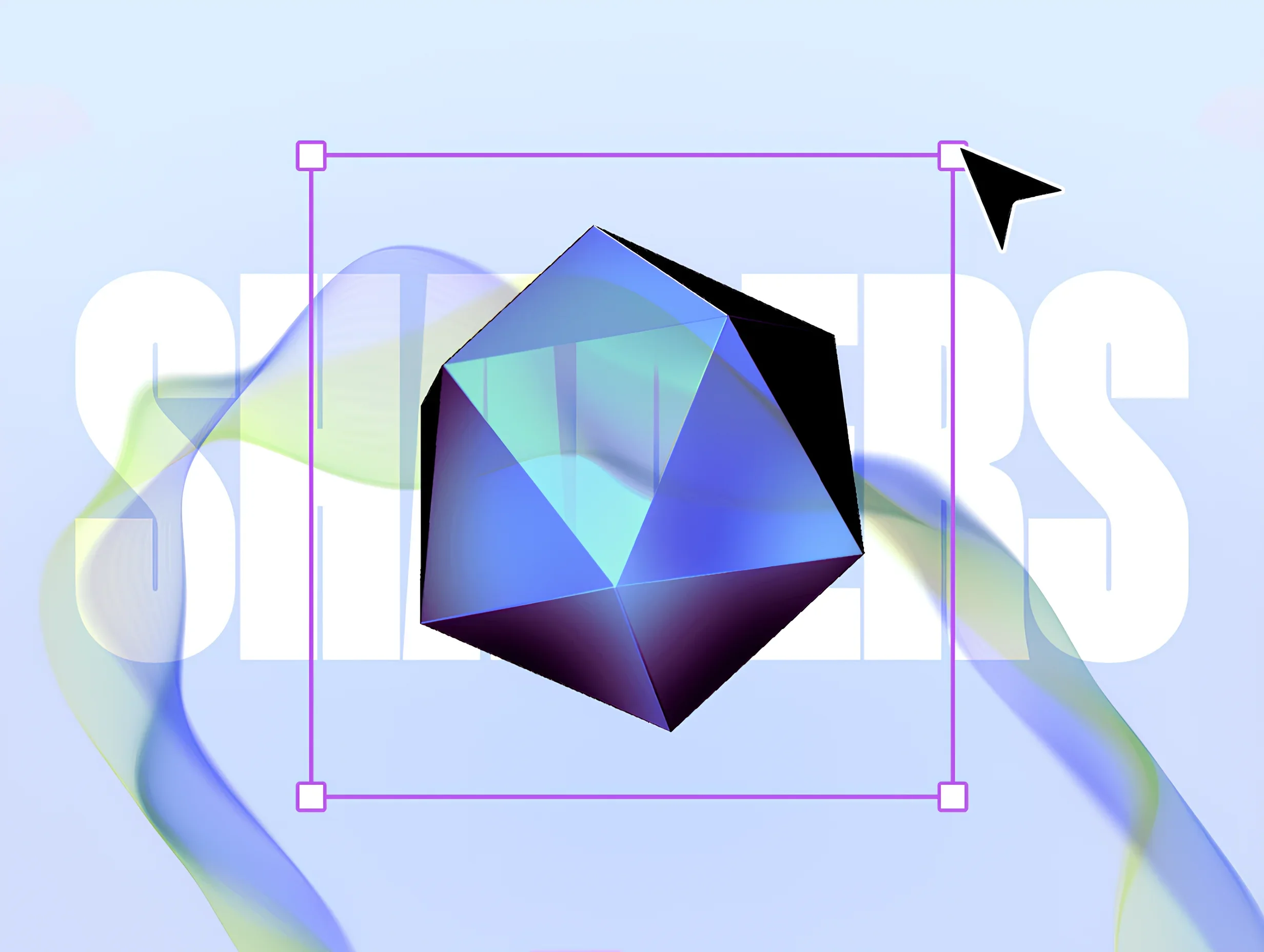
WebGL for Designers: Creating Interactive, Shader-Driven Graphics Directly in the Browser
A look at how Unicorn Studio brings the power of WebGL shaders to designers through a layer-based workflow, making it easier to create expressive, interactive graphics directly in the browser.
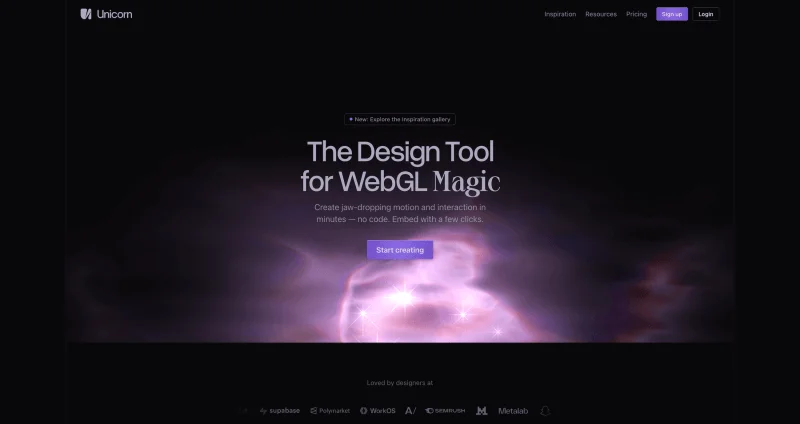
Unicorn Studio has quickly become a favorite among designers experimenting with WebGL and interactive graphics. In this article, we’re delighted to have George Hastings, the creator of Unicorn Studio, share the story behind the tool and the ideas that shaped it, along with a look at the creative possibilities it opens up for designers and developers alike.
There’s immense graphical power sitting right in the browser; lighting, volumetrics, depth, distortion — but accessing it requires grappling with esoteric and intimidating GLSL syntax.
The power is there, but for the vast majority of designers (and even developers), it’s out of reach.
For me, graphics programming started as a hobby. The first time I saw pixels reacting to math equations, I was hooked. The blend of art, technology, and a bit of mad science created a vortex that sucked me in for hours. I learned to code early in my career as a UX designer. I made wireframes and prototypes in the day, and JavaScript canvas animations in the evening.
Over the years I moved through the usual design tools — Illustrator, Sketch, Figma — and despite each one being better than the last, I was still making code prototypes. These tools were excellent for exploration, iteration, and spatial thinking, but there was too much distance between them and the browser. Creative coding was fun, but also slow and tedious. I was feeling a tooling gap.
I had already started building a toy app for drawing blurry gradients. But in October 2020 I came across The Book of Shaders and something clicked. It was still intimidating, but WebGL shaders had it all. I wanted a space where experimenting with it felt as immediate and iterative as moving layers on a canvas.
That idea eventually became Unicorn Studio.
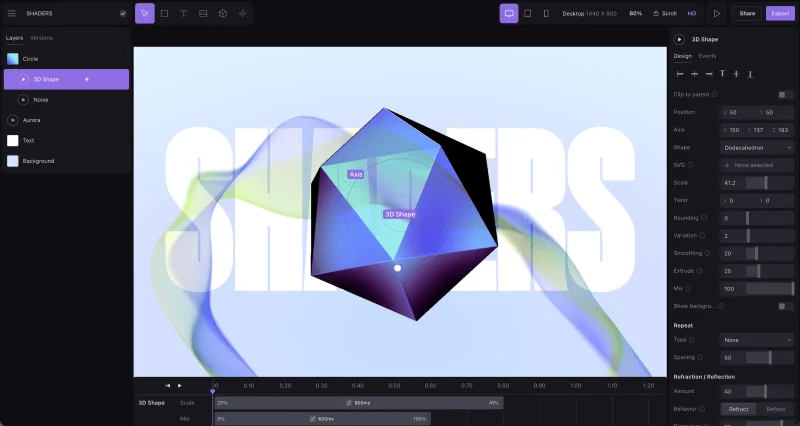
A Layer-Based Approach to Graphics
Most shader-driven tools are node-based, which makes sense if you’re thinking like an engineer — build a graph, connect outputs to inputs, construct a pipeline. I confess, I haven’t even tried them — I wanted to use my naivety as an asset to inspire a fresh approach.
Instead of nodes, Unicorn Studio uses layers — similar to Figma, Framer, or Photoshop. This gives us that spatial canvas perfect for creative exploration. You build a scene by stacking and arranging layers:
- Shapes
- Images
- Text
- 3D models
- Effects
Effects are the backbone of the experience, not just stylistic add-ons. They can be the core of a design. Some are utilities, like Vignette or Anti-alias while others are centerpieces like Aurora or Blob Tracking. An effect can manipulate everything beneath it or an individual layer. You can mask with shapes, images, and text. Most everything has blend modes.
Unicorn Studio sits somewhere between raw shaders and rigid presets. You don’t have to build the blocks from scratch, but you’re not constrained to a narrow set of prescriptive templates either. I’ve probably seen only 1% of what’s possible. I especially love when someone shares a project that makes me pause and ask, “Wait — how did they do that?”
Motion built-in
Another important shift was treating motion and interaction as native functionality.
On the web, animation often feels like an afterthought — something layered on top once layout is complete. But when you’re working with WebGL, motion isn’t an add-on. It’s fundamental. All layers have some degree of native animation and interactivity, but In Unicorn Studio, almost any property of any layer can respond to events:
- Appear
- Hover
- Scroll
- Mouse move
There’s also a timeline for composing time-based sequences, but in many cases interaction alone is enough. A subtle depth shift tied to the mouse, a scroll-driven mask reveal, or a gentle reactive bloom can add dimensionality without overwhelming the design
Performance as a Design Constraint
WebGL inevitably raises one question: what about performance?
Unicorn Studio builds scenes by assembling layers sequentially, with each layer rendering by default as its own shader pass. That flexibility comes with cost — more layers mean more draw calls, texture reads, and GPU work. Some effects, like those with raymarching or multi-pass blurs, are mathematically heavy and can slow things down if used excessively.
Rather than obscuring it, Unicorn Studio makes it visible. A built-in performance estimator scores your scene as you build. The test page shows real-time frame time, draw calls, dropped frames, and memory usage. You can downsample individual layers, adjust DPI and FPS, or flatten compatible layers into a single optimized shader to reduce overhead significantly.
Flattening in particular can merge multiple layers into one compiled shader, cutting draw calls and eliminating unnecessary work with culling and occlusion. Combined with a lightweight runtime (about 29kb gzipped) and automatic optimizations like pausing when out of view, performance becomes part of the design process.
Expressive graphics are only interesting if they run smoothly!
Demo time
I used this project to create a GIF that I put in the header of the last Unicorn Studio update email. It’s a good hero example because it has a bit of everything.
The hand is an image generated with Krea. I used the “Generate Depth Map” feature (right click on any image) which adds a Depth Parallax effect automatically. That’s what creates the subtle 3D motion.
I added the text layers on top of that and then a Nebula (the flowy gradient) with Overlay blend mode. With the flatten optimizer, all of these layers become one shader.
To finish — I’ve added a Blob Tracking shader, which draws boxes and connecting lines around regions of motion.
Recreations
A great way to learn the tool is to try and recreate something you’ve found elsewhere.
I found this animation as a video in the hero section of Future. The setup was easy, but it took a bit of time to tune the details just right. It uses a shape with a blue radial gradient, with a Noise distortion on top, followed by a sphere 3D shape (SDF) clipped with a Shape layer. I used the surface texture parameters to add the distortion to the sphere.
Somebody asked in the Unicorn Studio Discord if this animation from Blackalgo was possible. This recreation uses a pulsing Beam with some Wisps, masked by a 2D SDF custom shape, and an overlaid ASCII dither effect with some Bloom on top.
In the Wild
Here are some creations out in the wild that have either been shared or just stumbled upon. While they’re mostly hero sections, I’ve seen Unicorn used in all kinds of ways, tiny button interactions, footers, fly-out menu backgrounds, and some pretty wild stuff by Fred Moon.
Looking ahead
It sounds funny to talk about a software product in 2026 without mentioning AI. LLMs excel at creating with high specification. If it can be described in detail, it can be done by an agent.
Unicorn Studio is a way to create the indescribable. I hear so often how much fun people have jumping in and just playing. This play turns into exploration, and eventually the discovery of unique visual experiences. With LLM’s coding more and more websites today, “unique” is harder to come by.
If executing ideas is cheap, Unicorn Studio will be a place to discover them.
Get started
Curious to try it out? This guide will take you through the features and make it easy to get started.