- Games
- Open World Games
- Hytale
If you want some Hytale multiplayer action here's how to invite friends and play with them
When you purchase through links on our site, we may earn an affiliate commission. Here’s how it works.
 (Image credit: Hypixel Studios)
Jump to:
(Image credit: Hypixel Studios)
Jump to:
- How to let friends join you
- How to join friends
- Copy link
- X
Being able to play with friends in Hytale and have them join you as you explore is useful. It's a big world and a lot of it wants to hurt you as you adventure out. Not to mention there's so much to look for, gather and build, help is always good. Fortunately, it's super easy to allow friends to join you, or for you to join them, even if there isn't an immediately obvious multiplayer menu to guide you. Here's what to do.
How to let friends join you in Hytale
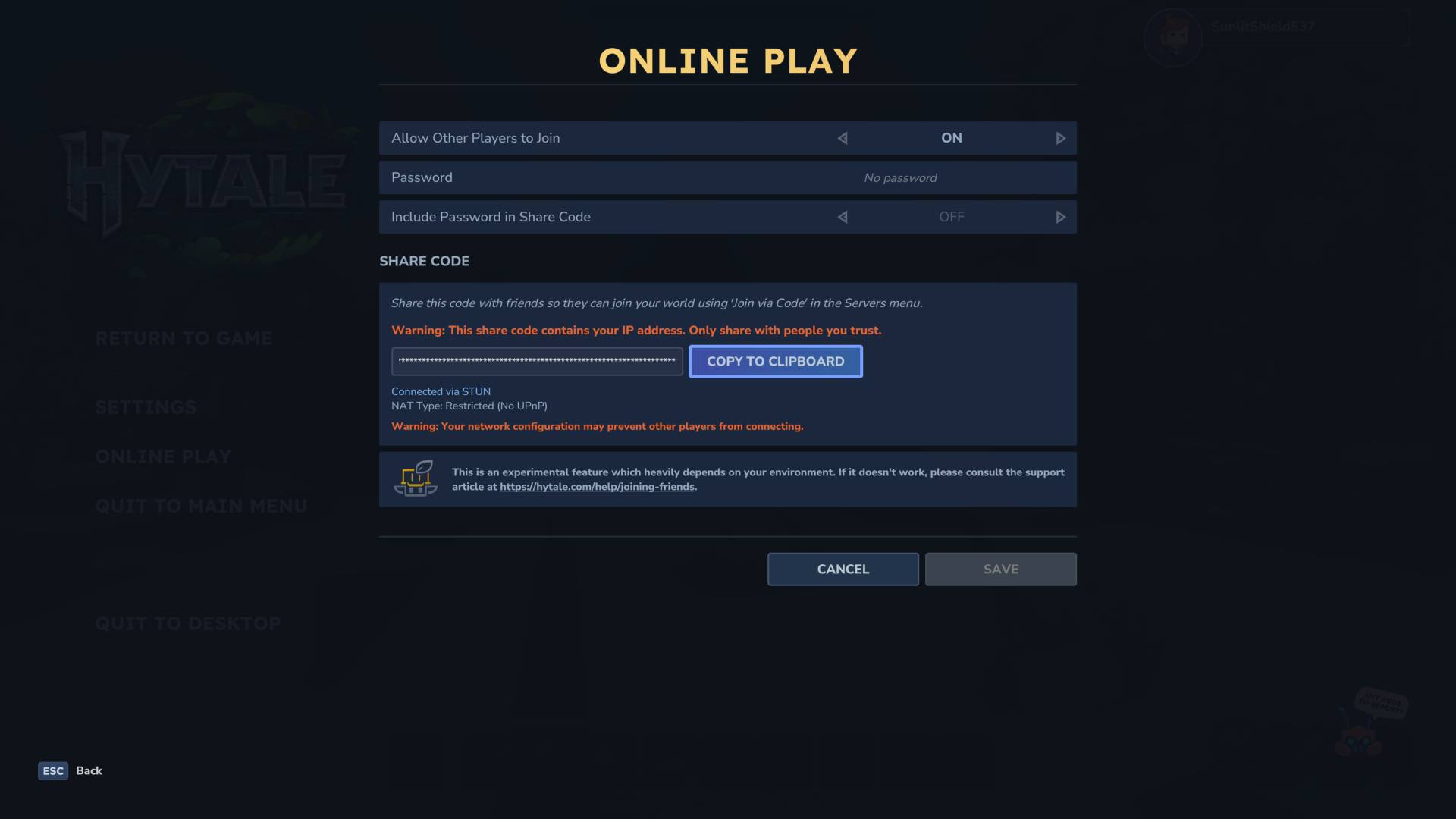
To let friends join in Hytale you'll first need to change the settings to allow other players to find you and meet up. You'll then be able to generate a code you can send to people so they can visit you in your world. Here's how to do that:
- Open the menu and select Online Play
- Change the top 'Allow other players to join' option from 'Off' to 'On' and hit Save
- This will make a Share Code you can then copy via the Copy to Clipboard option.
Once you have the code, send it to your friends and they'll be able to join you and play along in your world.
You may like-
 How to play Where Winds Meet multiplayer with friends
-
 Hytale roadmap "isn't completely pre-planned," but friend lists and proximity chat are already in development
-
 Hytale: Everything you need to know about the un-canceled sandbox RPG
How to join friends in Hytale
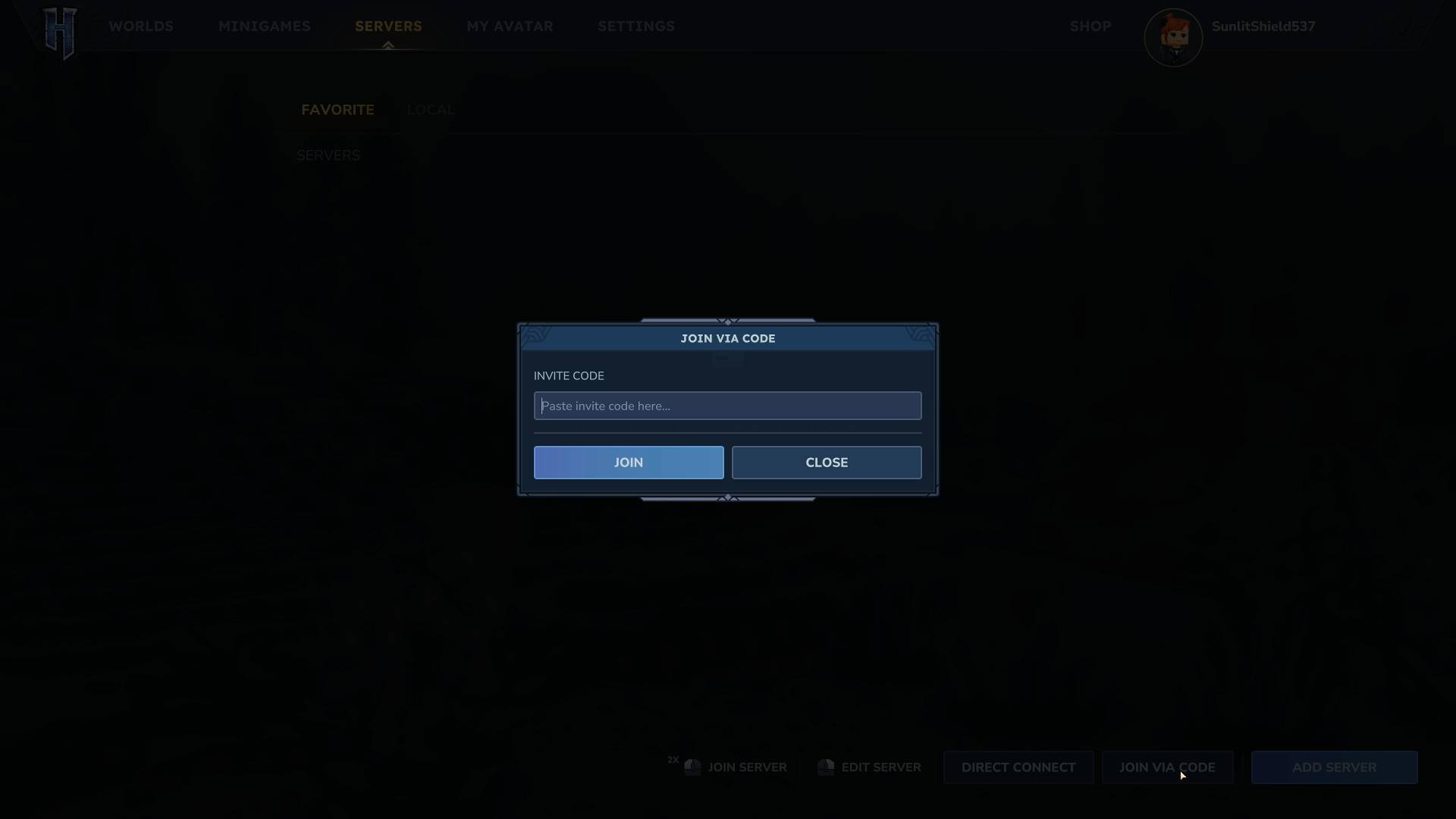
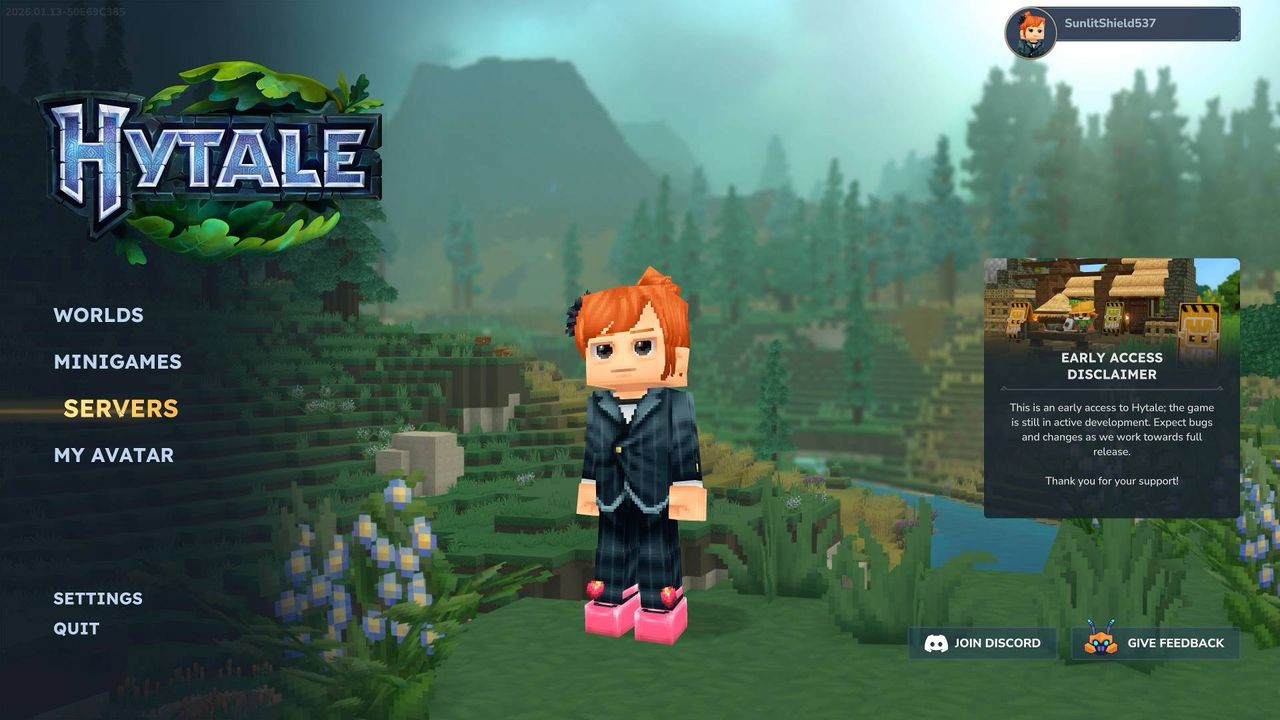
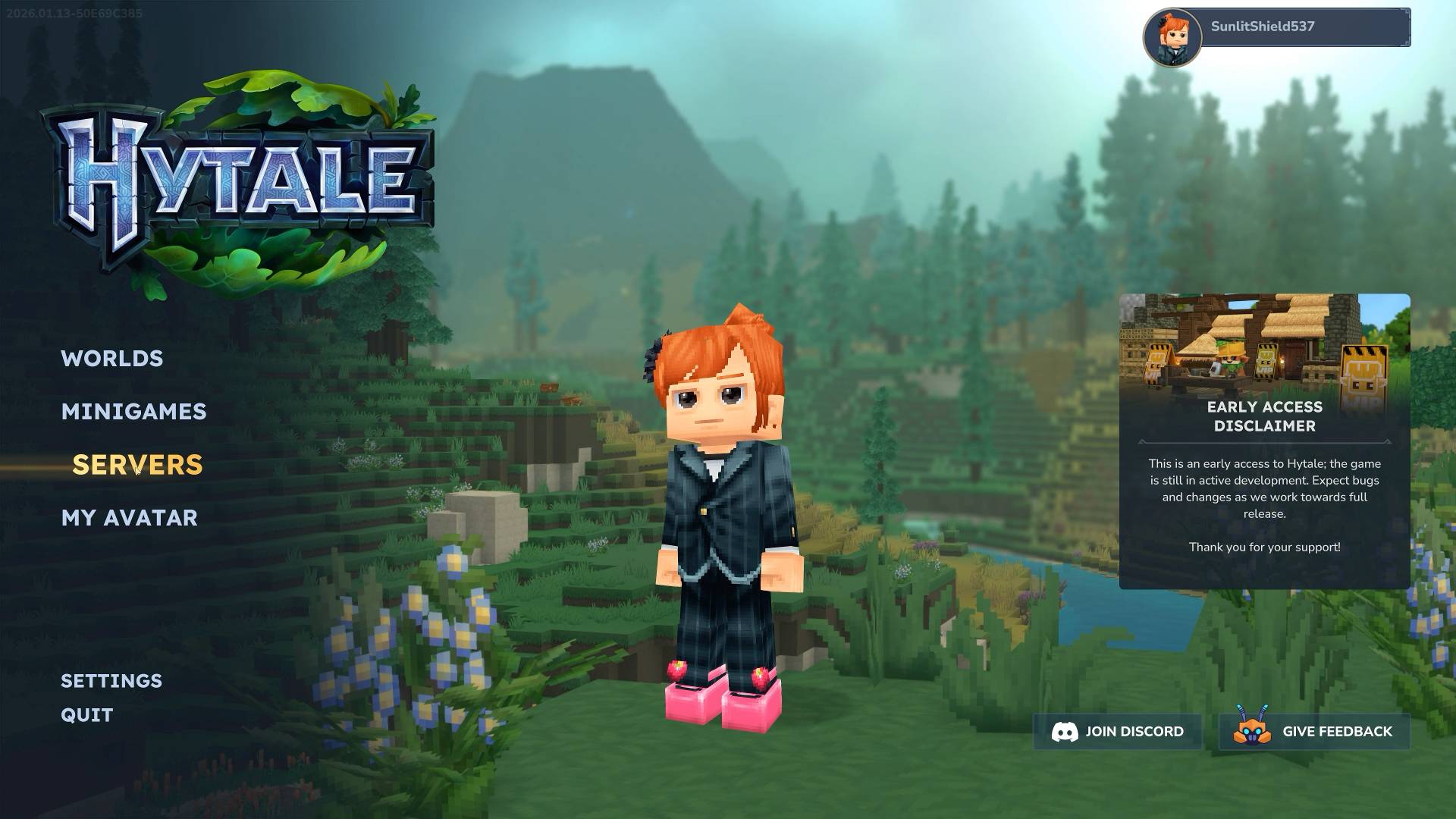
To join a friend in Hytale you'll first need a code, which can be generated by the person you want to join, via the method explained above. Once you have it, click on Servers on the main menu and when this menu opens look for the 'Join Via Code' option on the bottom right of the screen. Click on that to get the screen above which will let you paste in the code you've been given and join that world.
© GamesRadar+. Not to be reproduced without permission.
Sign up to the GamesRadar+ NewsletterContact me with news and offers from other Future brandsReceive email from us on behalf of our trusted partners or sponsorsBy submitting your information you agree to the Terms & Conditions and Privacy Policy and are aged 16 or over. CATEGORIES PC Gaming Platforms Leon HurleySocial Links NavigationManaging editor for guides
 I'm GamesRadar's Managing Editor for guides. I also write reviews, previews and features, largely about horror, action adventure, FPS and open world games. I previously worked on Kotaku, and the Official PlayStation Magazine and website.
Show More CommentsYou must confirm your public display name before commenting
Please logout and then login again, you will then be prompted to enter your display name.
Logout Back To Top Read more How to play Where Winds Meet multiplayer with friends
 Hytale roadmap "isn't completely pre-planned," but friend lists and proximity chat are already in development
 Hytale: Everything you need to know about the un-canceled sandbox RPG
 Hytale devs warn "launch week will be bumpy, but we'll get everyone in"
 Outlast Trials crossplay settings and how to change them
 The 25 best co-op games you can play right now
Latest in Open World Games
The 25 best co-op games you can play right now
Latest in Open World Games
 GTA feels more alive than Cyberpunk 2077 because Night City "doesn't feel like a real place," says Skyrim artist
 How to generate and connect power in StarRupture
 How to get Helium in StarRupture and find Helium deposits
 Where to find the Rotor and Tube blueprints in StarRupture
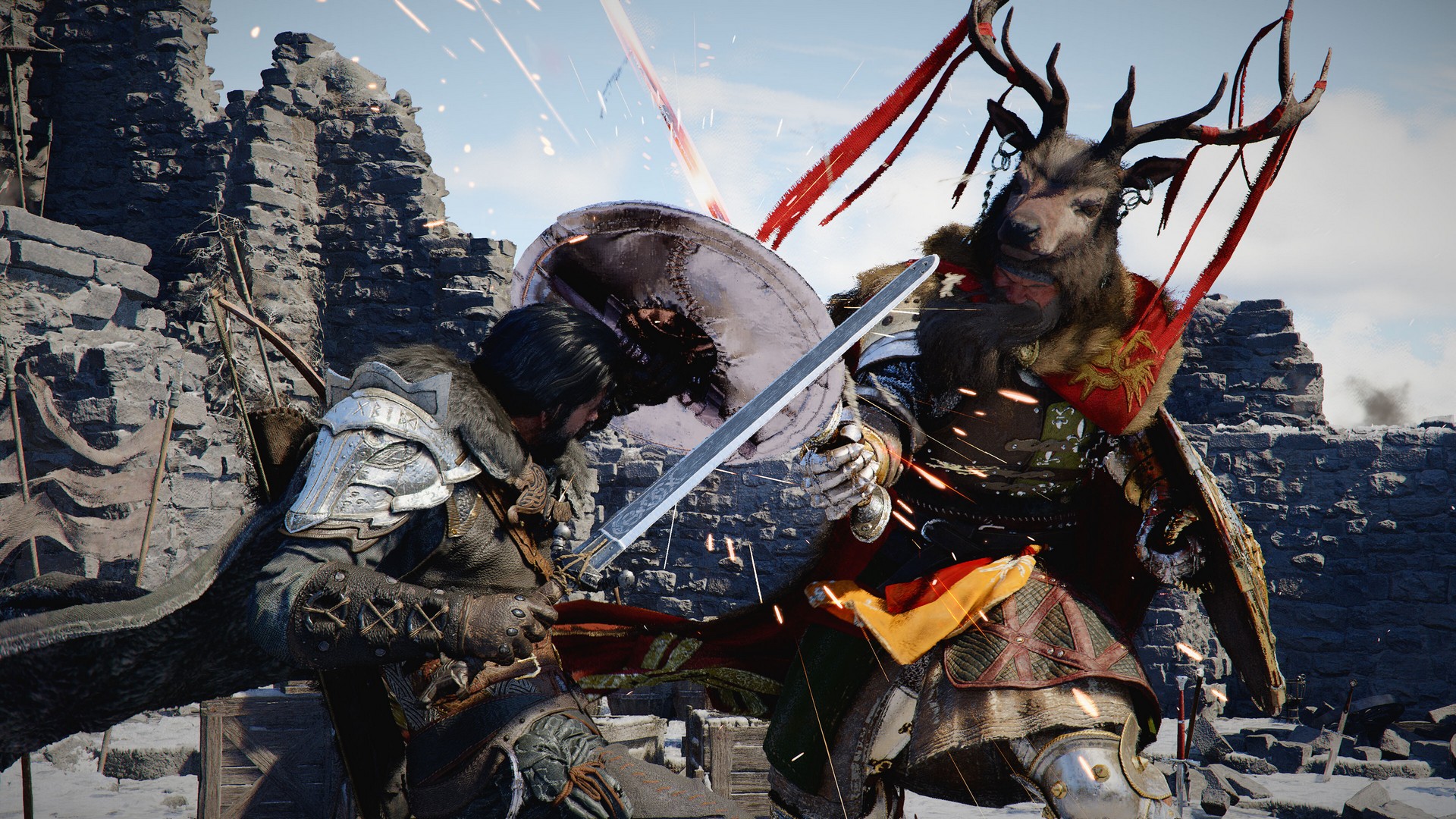 With a map twice the size of Skyrim and larger than Red Dead Redemption 2, open-world game Crimson Desert is real big
 Final Fantasy 14's Yoshi-P calls Ghost of Yotei "outstanding" and says it's the 2025 game "I still find myself playing"
Latest in Guides
How to play with friends in Hytale and join their world
Final Fantasy 14's Yoshi-P calls Ghost of Yotei "outstanding" and says it's the 2025 game "I still find myself playing"
Latest in Guides
How to play with friends in Hytale and join their world
 Battlefield 6 Season 2 release date and everything we know so far
 Best Divinity Original Sin 2 Red Prince build
 Persuasion in Divinity Original Sin 2 explained
 Everything coming in the stealth-focused Helldivers 2 Redacted Regiment Warbond
 How to respec in Divinity Original Sin 2
GAME REVIEWSMOVIE REVIEWSTV REVIEWS
How to respec in Divinity Original Sin 2
GAME REVIEWSMOVIE REVIEWSTV REVIEWS 1Trails Beyond the Horizon review: "This JRPG's thrilling real-time and turn-based combat evolves Metaphor ReFantazio's hybrid battles, making up for a poorly paced adventure"
- 2This alt-history board game is still a gold standard for modern strategy"
- 3Skate Story review: "A beautiful and unique skateboarding game with great, stylized visuals set in a grungy underworld"
- 4Octopath Traveler 0 review: "The strongest entry in this retro-styled JRPG series yet, I love the greater focus on tactical battles"
- 5Sleep Awake review: "An all-timer horror premise is let down by tired stealth that I feel like I'm sleepwalking through"
 128 Years Later: The Bone Temple review: "The wildest and weirdest entry into the franchise yet"
- 2Avatar: Fire and Ash review: "Still a technical marvel, with some of the year's best action filmmaking"
- 3Five Nights at Freddy's 2 review: "We have waited two years for a Five Nights at Freddy's 1.5"
- 4Wake Up Dead Man: A Knives Out Mystery review: "Brings Knives Out back to its roots for a sequel that's almost on a par with the original"
- 5Wicked: For Good review: "Builds to an incredibly cathartic conclusion, but isn't quite as captivating as Part 1"
 1A Knight of the Seven Kingdoms review: "This Game of Thrones spin-off is a surprisingly heartfelt and fun return to Westeros"
- 2Stranger Things season 5 finale review: “Shows off both the best and the worst of Hawkins”
- 3Stranger Things season 5, Volume 2 review: “All set up for a finale that has so much to deliver”
- 4Fallout season 2 review: "A hell of a lot of fun despite being overcrowded and convoluted"
- 5Stranger Things season 5 volume 1 review: “Can the Duffer brothers stick the landing? It’s sure looking like they will”